Is it free?
Yes, for one student. The free version includes all the planning and tracking, lets you preview every report, and unlocks each PDF or CSV export with a short video; it shows ads. Homeschool Pro adds every child, unlimited exports and no ads: monthly, yearly with two free weeks, or once for life.
Do I need an account?
No. There's no sign-up, no login and no server. Open the app, add your first student and start planning.
Where is my data, and what if I lose my phone?
Your records are stored in the app on your phone, and we never see them. In More › Backup & restore you can save a backup file, photos included, wherever you like (Files, Google Drive, your email) and restore it on a new phone or tablet. Make one regularly: without a backup, records on a lost phone can't be recovered. Your phone's own iCloud or Google backup may also include the app's data, depending on your settings.
Which states does it cover?
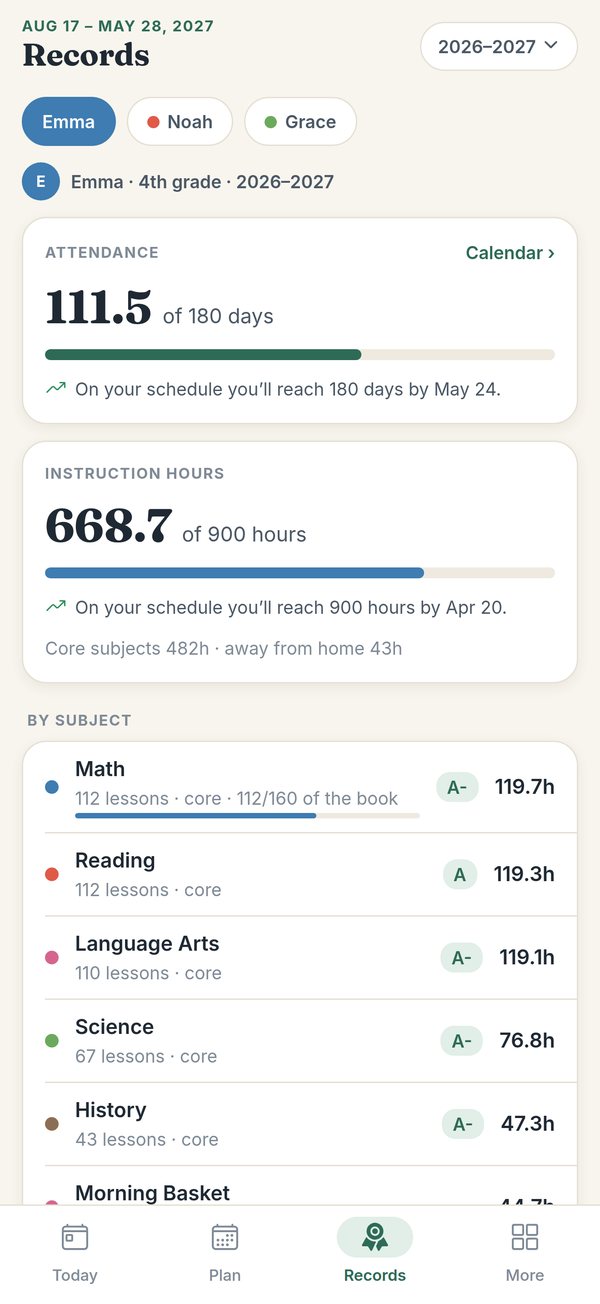
All 50 states and DC. Pick yours and the app suggests the year's targets, such as days, hours, core hours and core hours at home, with a plain-English summary and a link to the state's law. It's a general guide, not legal advice: laws change, so check your state's current rules, and change any target that doesn't fit your situation.
Can it make a high-school transcript?
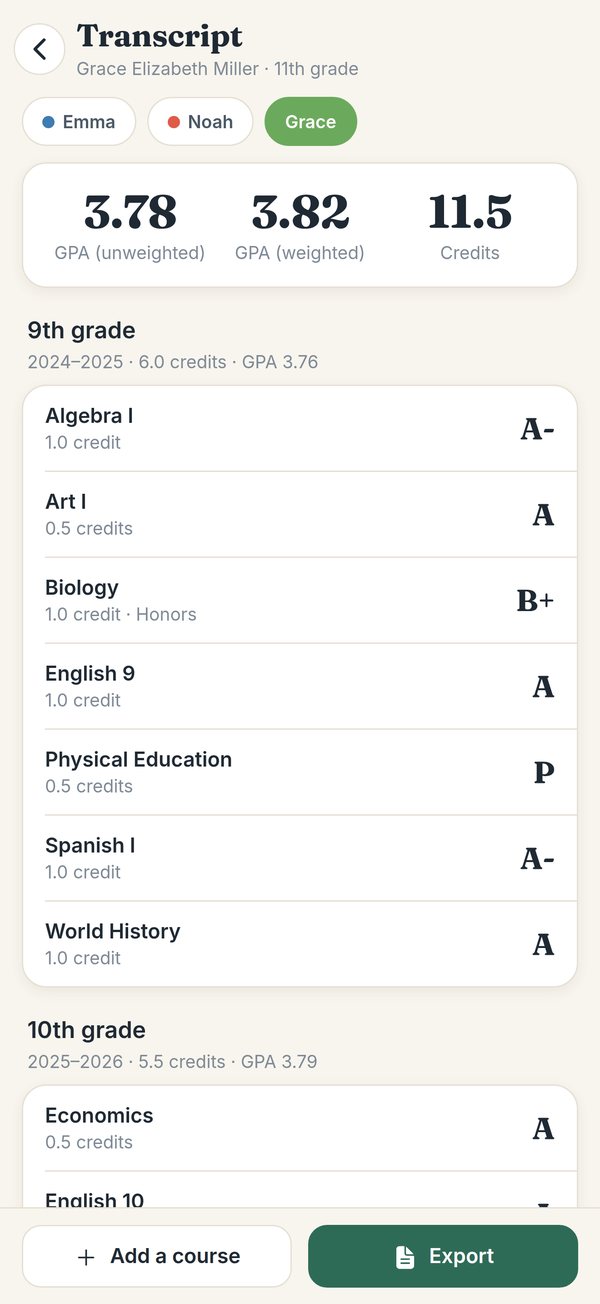
Yes. Put subjects on the transcript, and add courses taken elsewhere, with credits and grades. The app builds a transcript PDF across every school year, with weighted and unweighted GPA, test scores and activities, and a course-descriptions document to go with it.
Does it keep grades and make report cards?
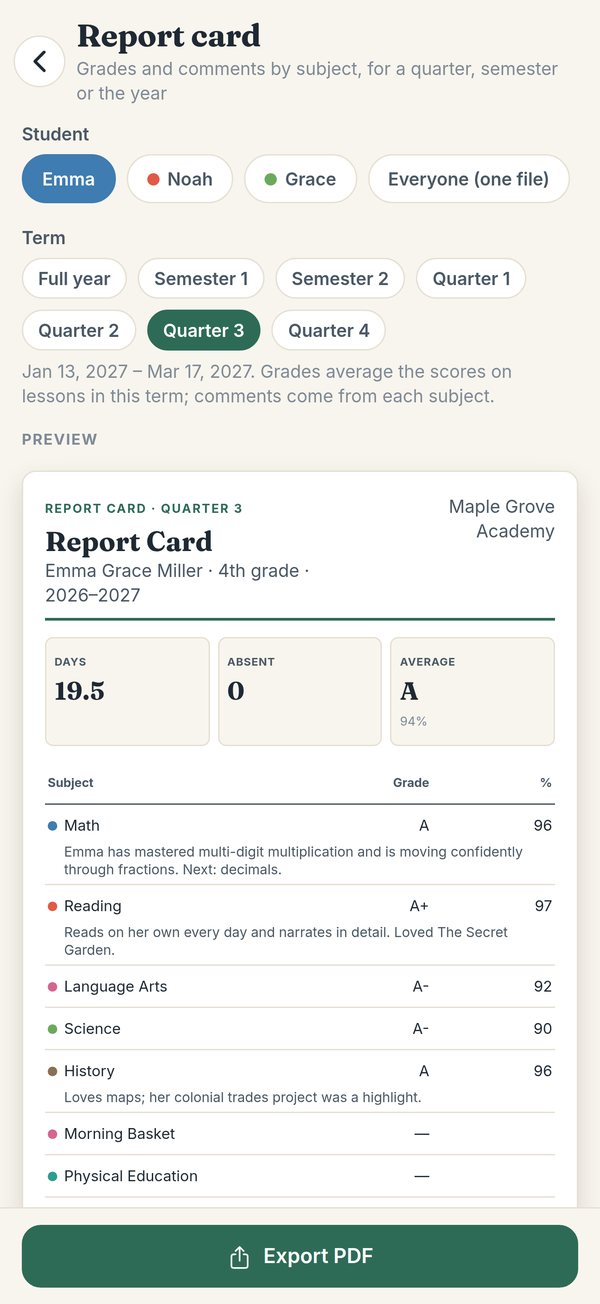
Yes. Grade any lesson as a percentage, a score like 18/20 or a letter. Each subject keeps its average, and report cards with your comments print for a quarter, a semester or the whole year.
We started the school year before the app. Can I add what we've done?
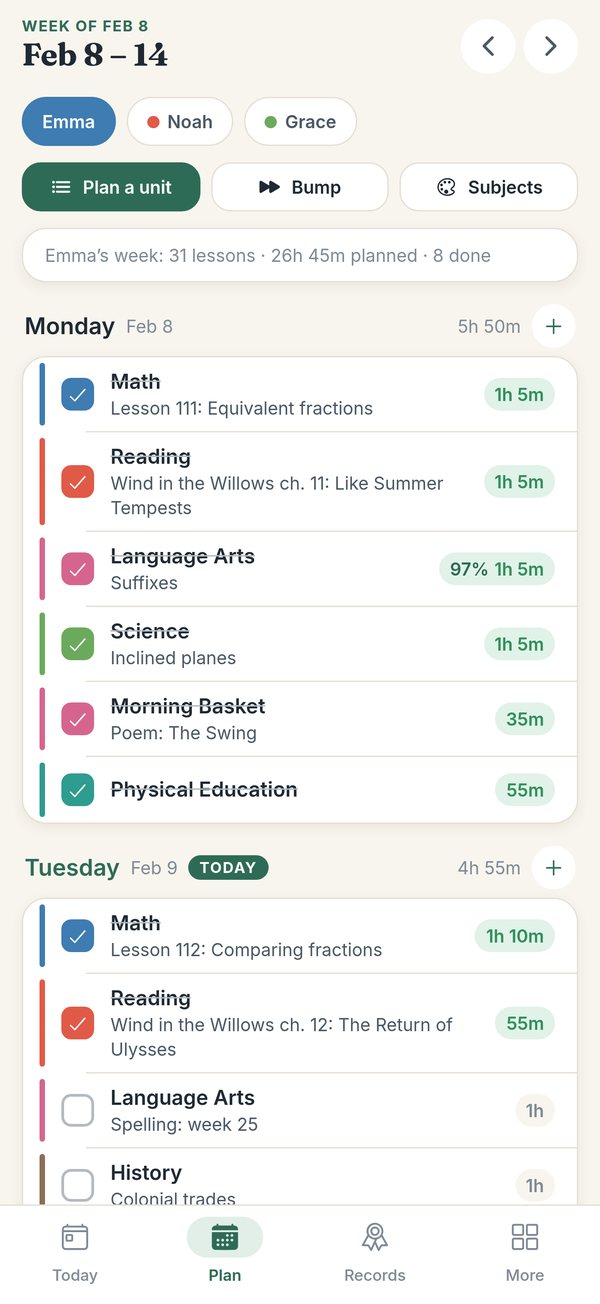
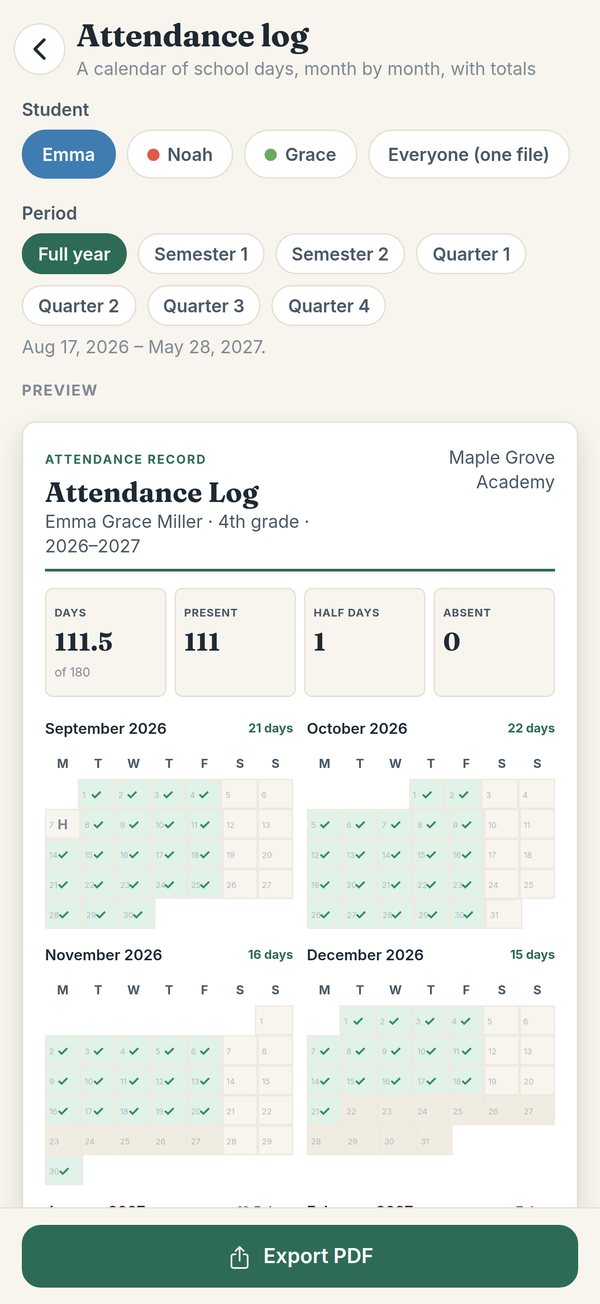
Yes. Add each child's days and hours so far (and core hours, where your state counts them) as totals from before the app. They count toward the year's targets and appear on the attendance and hours reports. You can also mark earlier days present in the attendance calendar.
Can siblings share a subject?
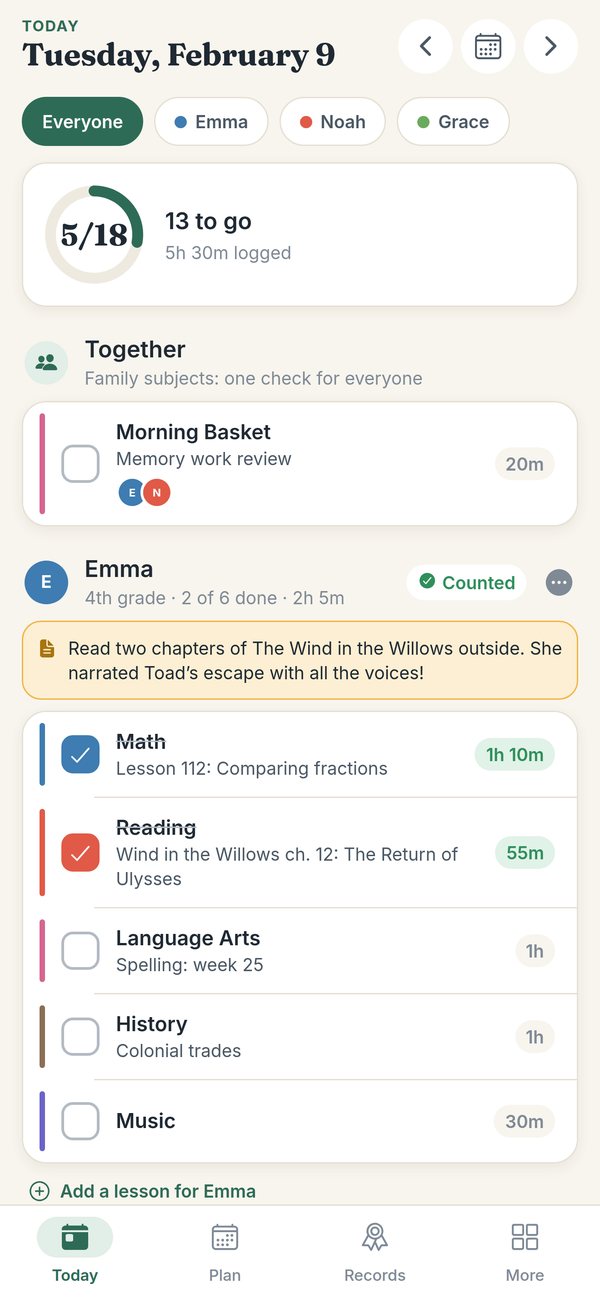
Yes. Link a subject across children, like a morning basket or a shared science, and it shows once on Today for all of them. One check-off records the lesson and its hours for each child.
Does it work offline?
Yes. Planning, checking off, attendance, hours and reports all work without a connection. Only ads and purchases need the internet.
Does it work on iPad?
Yes. It works on iPad as well as iPhone, and on Android phones and tablets.